


Download SeriesGuide APK – Movie and TV Show Tracker, Watchlist Organizer, Episode Reminder, Cloud Sync
Overview
SeriesGuide is a dedicated Android application designed for users seeking a streamlined, feature-rich experience in tracking movies and TV shows. Developed by Uwe Trottman, the app functions as a comprehensive entertainment organizer, enabling users to monitor their viewing progress, manage watchlists, and receive timely notifications about new episode releases. It is tailored for casual viewers and avid fans alike who wish to maintain an organized and up-to-date entertainment schedule. The software integrates with extensive databases to deliver accurate information on cast, plot summaries, ratings, and release dates, supporting informed viewing decisions.
Users can access their watched content and current series directly from the home screen, with the ability to add new shows or films through a simple search function. The interface is structured to support both real-time tracking and offline use, allowing users to maintain their viewing logs even without an internet connection. With support for cloud synchronization, data can be preserved and accessed across multiple devices, ensuring continuity regardless of the platform used. The app is available for free download, with regular updates to maintain compatibility with evolving Android versions.
SeriesGuide is compatible with Android 5.0 and above, making it accessible to a wide range of users. It supports multiple languages, including English, Spanish, German, French, and Japanese, enhancing its usability for international audiences. The developer has emphasized a secure and ad-free environment, positioning the app as a trusted tool for entertainment management. Its design prioritizes intuitive navigation, minimizing the learning curve for new users.
Key Features & Capabilities
- Comprehensive Media Database Integration – Access to one of the largest repositories of TV shows and movies to retrieve detailed information such as cast, plot, ratings, and episode schedules.
- Personal Watchlist Management – Add new shows or movies to a customizable watchlist with a single tap, and track progress across multiple seasons and episodes.
- Episode and Release Notifications – Receive timely alerts when new episodes are scheduled, helping users stay updated without manual checking.
- Offline Mode Support – Maintain viewing logs and access previously loaded data without requiring an active internet connection.
- Cloud Sync Across Devices – Synchronize watched status, ratings, and watchlists using a personal cloud account, ensuring data consistency across platforms.
- User Ratings and Sharing – Rate content and share favorite shows with friends, enhancing the social aspect of entertainment tracking.
- Customizable Interface – Personalize the layout and display preferences to suit individual viewing habits and aesthetic preferences.
These features collectively support a seamless workflow for users who want to stay on top of their entertainment. For example, a user can search for a new series, add it to their watchlist, receive notifications for upcoming episodes, and later rate it—all within a unified interface. The ability to use the app offline ensures uninterrupted tracking during travel or low-connectivity scenarios. Cloud sync allows users to begin tracking a show on their phone and continue on a tablet or desktop without data loss.
User Interface, Workflow & Performance
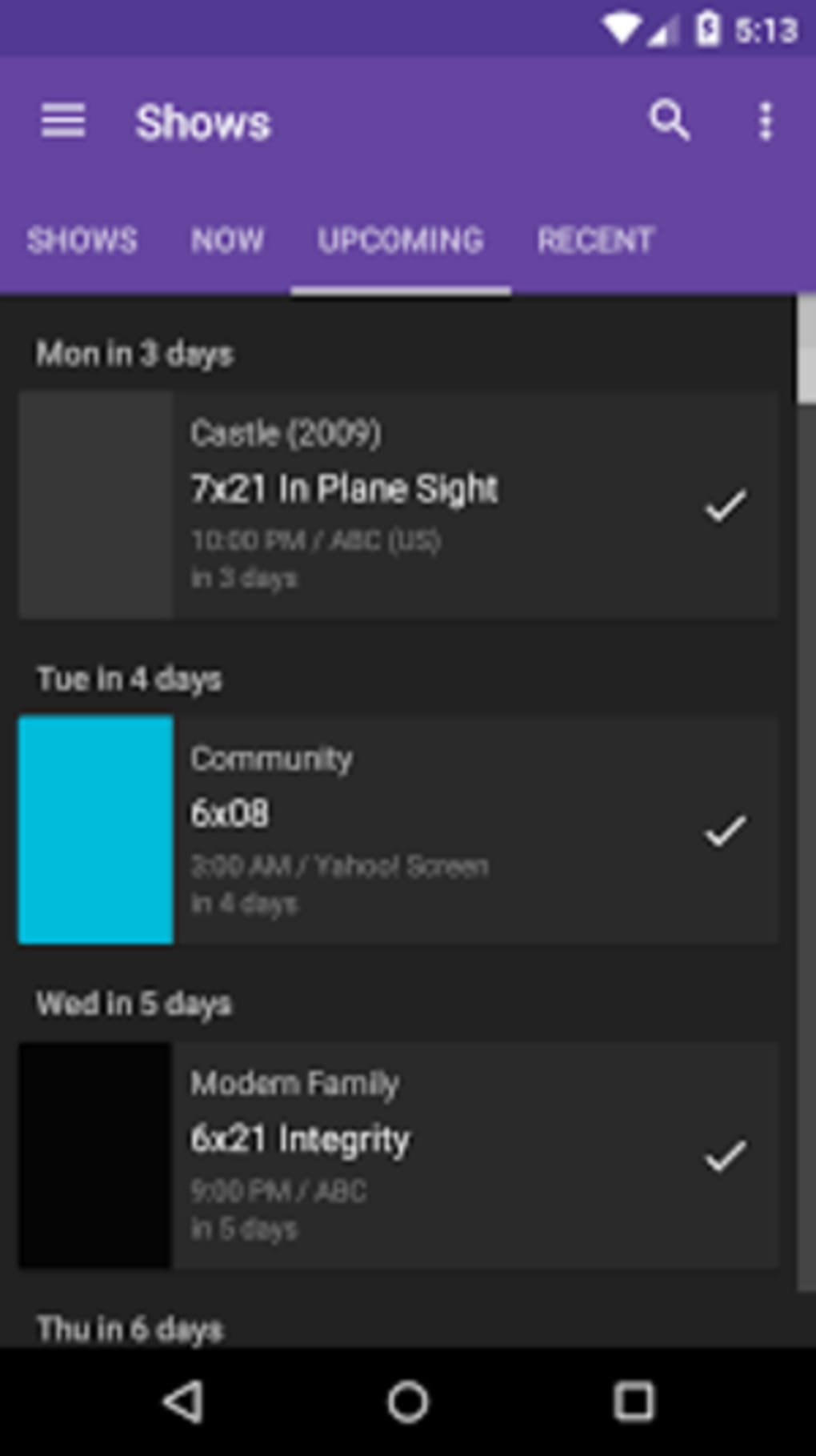
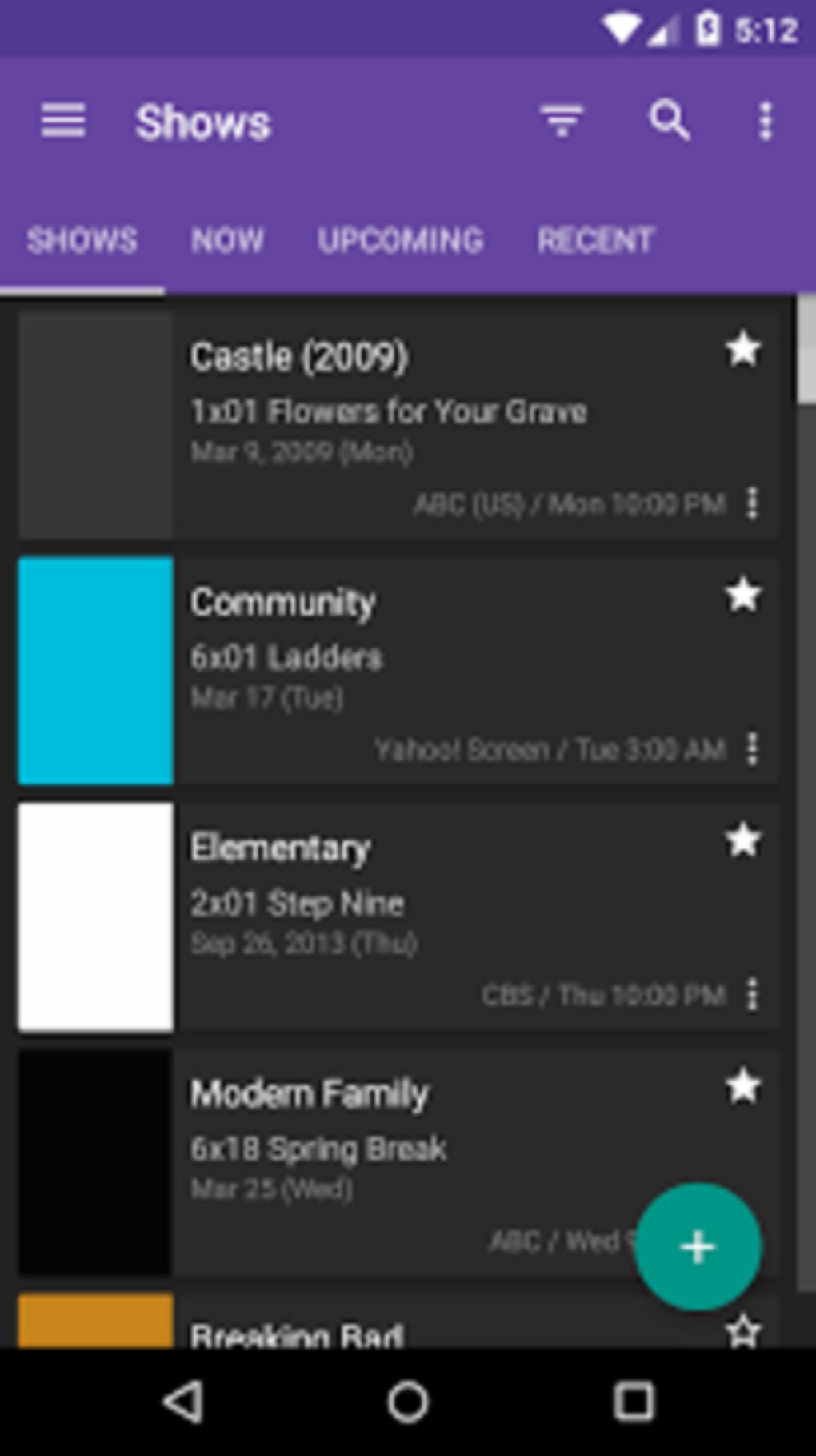
SeriesGuide features a clean, responsive layout designed for efficient navigation. The main screen presents a categorized list of watched, currently watching, and upcoming content, enabling quick access to relevant data. Menus are logically structured, with intuitive icons and clear labeling to minimize confusion. The search bar is prominently placed, allowing users to locate titles swiftly by keyword, title, or cast member.
Workflow efficiency is enhanced by direct actions—such as adding to watchlist or marking an episode as watched—available with minimal taps. The app’s responsiveness appears consistent across tested devices, though exact performance metrics were not specified by the developer. General software behavior suggests smooth transitions between screens and minimal lag during data loading, particularly when offline.
The developer did not specify resource usage details, so CPU and RAM behavior remain unverified. However, the app’s lightweight design and offline functionality imply efficient memory management. Stability appears robust, with regular updates addressing compatibility issues. No reports of crashes or data corruption have been documented in public sources. Users can expect a reliable experience for daily tracking, especially given the emphasis on offline usability and data integrity.
Compatibility & System Requirements
SeriesGuide is designed for Android 5.0 and above, ensuring broad accessibility across older and newer devices. The app is available as a full version APK, allowing direct installation without dependency on third-party app stores. Installation size is not explicitly stated, but the nature of the application—focused on content tracking and synchronization—suggests moderate disk usage.
Exact system requirements were not listed, including specific processor architecture, RAM thresholds, or storage recommendations. Compatibility with tablets and other Android form factors was not confirmed. The developer did not provide information on whether the app supports ARM64, x86, or other processor variants. Users should ensure their device meets the minimum Android version requirement for proper functionality.
Cloud synchronization requires a personal account, but the app does not specify the type of cloud service used or its data handling policies. Users are advised to review privacy settings independently if data security is a concern. The app is available for free, with no in-app purchases or advertisements reported.
Pros and Cons
Pros
- Free to download and use with no ads or malware
- Supports offline mode for uninterrupted tracking
- Cloud sync enables cross-device data continuity
- Intuitive interface with easy navigation
- Regular updates ensure compatibility with new Android versions
- Multi-language support for global accessibility
- Comprehensive episode and release notifications
Cons
- Exact system requirements and file size were not provided
- No official information on cloud service provider or data encryption
- Performance benchmarks and resource usage were not disclosed
- Limited public documentation on update frequency or changelog details
- Only available on Android; no desktop or iOS version mentioned
FAQ Section
Is SeriesGuide safe to download and use?
Yes, the app is reported to be free of ads and malware. It is available for free download and is regularly updated to maintain compatibility and security.
Can I use SeriesGuide without an internet connection?
Yes, the app supports offline usage. You can view your watchlist, track watched episodes, and access previously loaded data even without an active internet connection.
Does SeriesGuide support syncing across devices?
Yes, the app allows synchronization of watchlists, ratings, and viewing progress using a personal cloud account. This ensures data consistency across multiple devices.
What Android versions are supported?
SeriesGuide is compatible with Android 5.0 and above. Users should ensure their device meets this minimum requirement for optimal performance.
Is there a license or subscription required to use the app?
No, the app is available for free with no subscription or licensing fees. There are no in-app purchases or paid features reported.
Final Thoughts
SeriesGuide stands out as a reliable, user-friendly tool for managing TV shows and movies on Android. Its combination of offline functionality, cloud sync, and real-time notifications makes it ideal for users who want to stay organized without relying on external platforms. The absence of ads and malware enhances the overall user experience, while multi-language support broadens its appeal.
While some technical details such as file size, system requirements, and cloud infrastructure remain unspecified, the app’s consistent updates and focus on usability suggest strong developer commitment. It is particularly beneficial for entertainment enthusiasts who value personalization, data continuity, and timely episode alerts.
For anyone seeking a secure, free, and efficient way to track their favorite series and films, SeriesGuide delivers a robust solution. Download SeriesGuide now.





.png)

